

Google Ads Setup in Delhi: Account Setup & Campaign Launch
Most people searching for a plumber, a salon, or a clinic start with Google. If your business doesn't show up there, someone else's does. But getting a Google Ads account ready and your first campaign live can feel like a maze of settings, billing screens, and keyword choices.
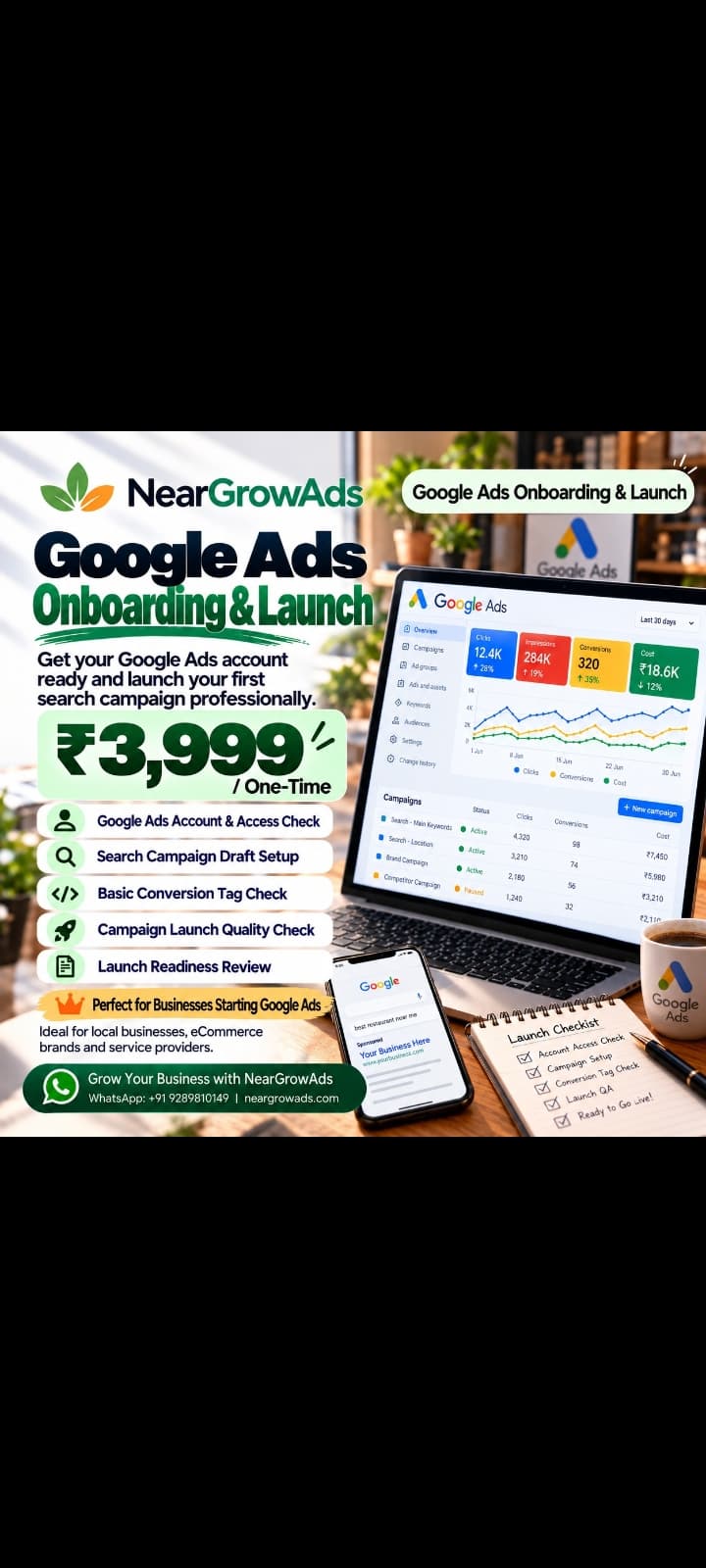
NearGrow Ads takes care of that part. Our Google Ads Onboarding & Launch service gets your account set up and your first Search campaign ready, for a one-time fee of ₹3,999.
What does Google Ads setup actually involve?
It's the groundwork before you spend a rupee on ads: preparing your account, checking who has access, building the campaign, and confirming basic conversion tracking where it applies.
Picture a salon in Delhi that wants to appear when someone searches "salon near me." Or a repair service that wants to show up when a customer needs a fix right now. Setup is what makes that possible.
Why Google Ads works for Delhi businesses
Delhi is packed with businesses, from neighbourhood shops and restaurants to clinics and professional services. Search ads put you in front of people who are already looking for what you offer, which is a very different thing from interrupting someone's scroll.
Here's what that can do for you:
Reach people searching for your kind of service
Promote specific offers or services
Bring in customer enquiries
Send visitors to your website
Give you performance data to learn from
Results still depend on competition, keywords, budget, and how well the campaign is built.
How to set up Google Ads
1. Review your account. Check access, billing, and business details before anything else.
2. Pick a goal. Website visits, phone calls, or leads? Choose the one that matters most.
3. Choose your keywords. Think about what your customers would actually type, like "salon in Delhi" or "digital marketing services in Delhi," depending on what you offer.
4. Build the Search campaign. Set your location targeting, keywords, budget, ad copy, and destination URL.
5. Check conversion tracking. Where it applies, make sure you can measure the actions that matter, like calls or form submissions.
6. Review before launch. Go through the settings, ads, links, and targeting once more before sending it off for Google's review.
Mistakes that waste money
Picking keywords that don't match your business
Targeting areas you don't serve
Setting a budget that's too small to get any data
Sending people to a page that doesn't fit the ad
Ignoring conversion tracking
Expecting leads to pour in on day one
A few tips
Start small and focused: one clear offer, a handful of relevant keywords, and ad copy that says plainly what you do. Once it's running, keep an eye on clicks, enquiries, conversions, and cost per result, and adjust based on what the numbers actually show rather than guesses.
Tell us what your business does and what you're hoping to achieve, and we'll help you get your first Google Search campaign ready to go.
WhatsApp: +91 9289810149
Website: https://neargrowads.com
Not included: ad spend, advanced GA4/GTM implementation, website development, and ongoing campaign management. Campaign approval and results are not guaranteed.