Google Ads Kya Hai Aur Kaam Kaise Karta Hai? Beginners Ke Liye Easy Guide
Aaj ke digital world mein har business chahta hai ki jab koi customer Google par uske product ya service ko search kare, toh sabse pehle uski website ya business dikhe.
Lekin kya tumne kabhi socha hai ki kuch websites Google search results mein sabse upar kaise aa jaati hain?
Iska ek popular jawab hai – Google Ads!
Dekho, Google Ads ko log jitna complicated samajhte hain, actually ye utna complicated nahi hai. Chalo ise ek simple example se samajhte hain.
Google Ads Kya Hai?
Google Ads Google ka ek online advertising platform hai, jiske through businesses apne products aur services ko Google Search, YouTube aur doosri websites par promote kar sakte hain.
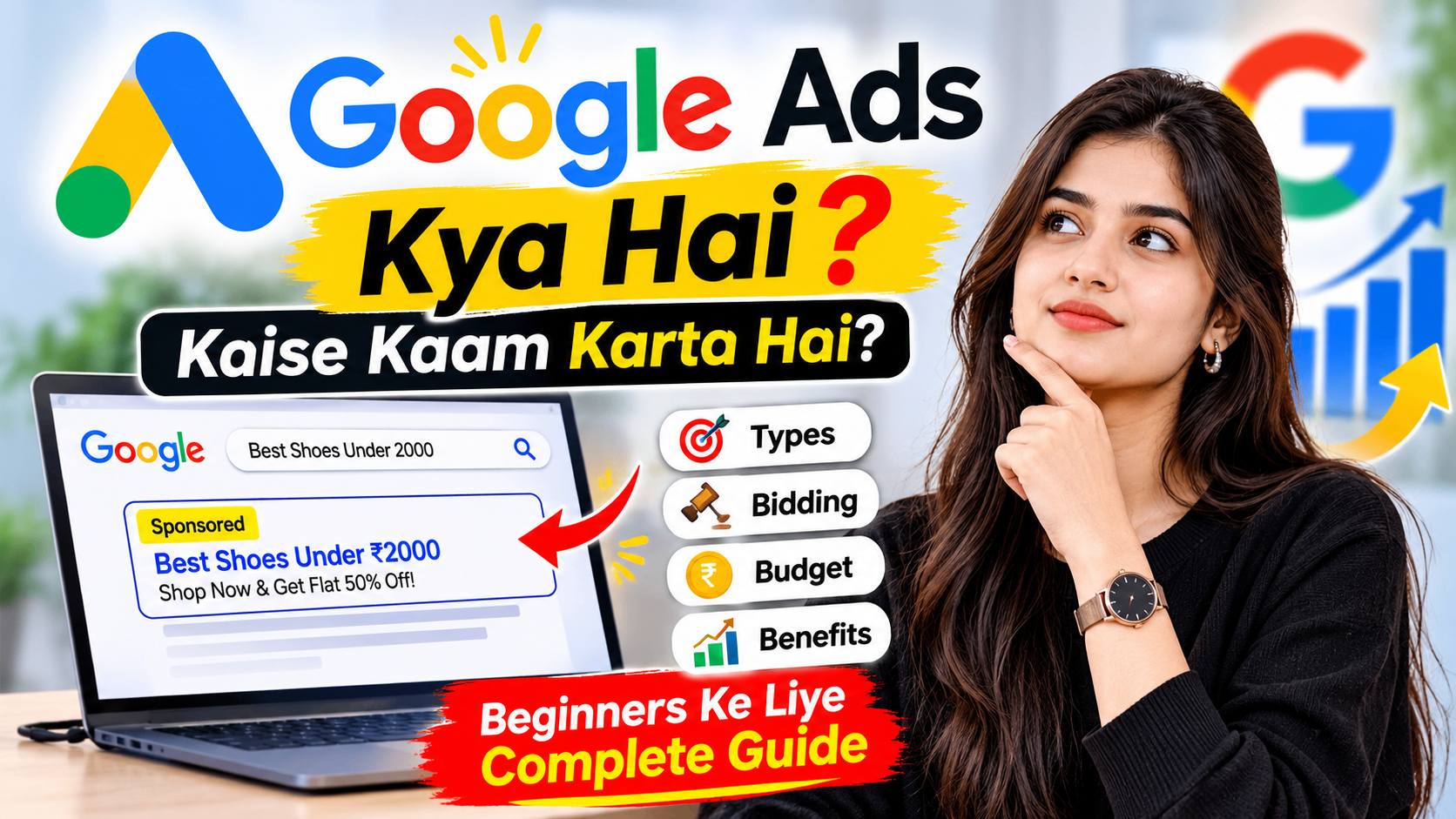
Example ke liye, maan lo tumhe ₹2,000 ke under best shoes kharidne hain. Tum Google par search karte ho "Best Shoes Under 2000".
Ab tumhe search results mein kuch websites sabse upar dikhengi, jinke paas chhota sa Sponsored label hota hai.
Yehi Google Ads hote hain!
Simple words mein, Google Ads ki help se businesses apne potential customers tak paid advertising ke through pahunch sakte hain.
Google Ads Kaam Kaise Karta Hai? 4 Easy Steps Mein Samjho
Google Ads ka working process samajhne ke liye shoes ki ek online shop ka example lete hain.
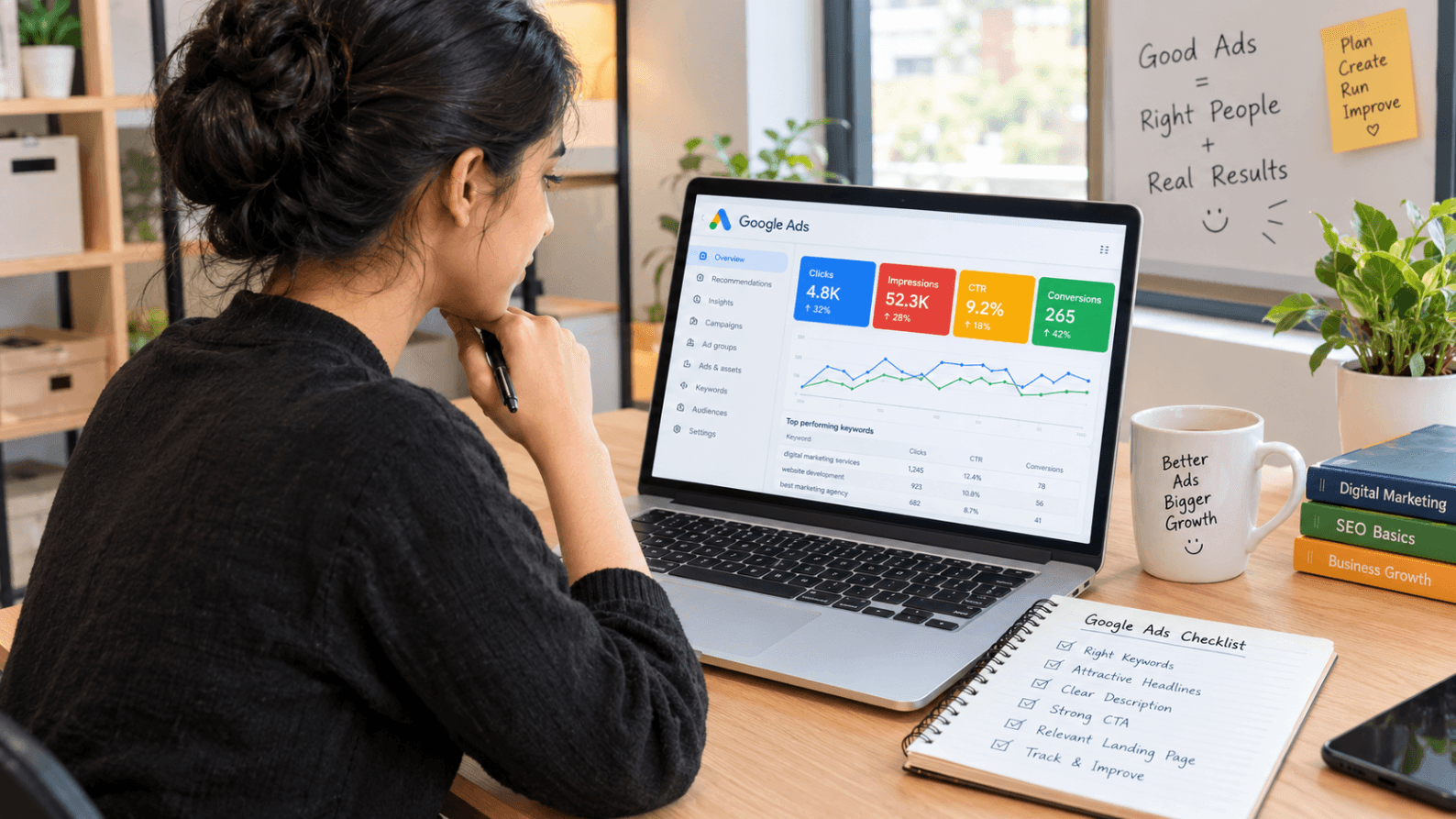
Step 1: Right Keywords Choose Karo
Sabse pehle tumhe keywords select karne hote hain.
Keywords woh words ya phrases hote hain jo customers Google par search karte hain.
Example:
- Best shoes under 2000
- Buy running shoes online
- Sports shoes for men
- Affordable sneakers
Agar tumhari shoes ki online shop hai, toh tum in keywords ko target kar sakte ho, taaki relevant searches par tumhari ad show ho sake.
Step 2: Bidding Process
Ab socho tumhare jaise 10 aur businesses bhi same keyword par apni ads dikhana chahte hain.
Toh Google Ads auction system ke through decide karta hai ki kis advertiser ki ad kis position par show hogi.
Lekin ek important baat: Sirf sabse zyada paisa dene se hi ad top par nahi aati. Google bid ke saath ad quality, relevance aur landing page experience jaise factors bhi consider karta hai.
Step 3: Attractive Ad Create Karo
Ab tumhe apni advertisement create karni hoti hai.
Ismein generally ye cheezein hoti hain:
- Headline: Nike Shoes – Flat 50% Off
- Description: Shop Latest Sports Shoes Online. Get Fast Delivery!
- Website Link: Tumhari online shop ka link
Ek attractive aur relevant ad customers ko click karne ke liye encourage kar sakti hai.
Step 4: Customer Click Karega, Tab Cost Lag Sakti Hai
Google Ads mein kuch campaigns Pay Per Click (PPC) model par kaam karti hain.
Iska matlab hai ki jab koi customer tumhari ad par click karta hai, tab tumse click ke according charge liya ja sakta hai.
Lekin yaad rakho, har Google Ads campaign PPC nahi hoti. Kuch campaigns impressions, views ya conversions ke basis par bhi charge ho sakti hain.
Google Ads Ke 3 Main Types
Google Ads ke different formats hote hain, lekin beginners ke liye ye 3 types samajhna important hai.
1. Search Ads
Jab koi customer Google par kuch search karta hai, toh search results mein Sponsored label ke saath jo text ads dikhte hain, unhe Search Ads kehte hain.
Example: Best Digital Marketing Agency Near Me.
Ye un businesses ke liye useful hain jo actively interested customers tak pahunchna chahte hain.
2. YouTube Ads
Kabhi tum YouTube par video dekh rahe hote ho aur video start hone se pehle ya beech mein advertisement aa jaati hai?
Ye YouTube Ads hoti hain.
Inka use brand awareness badhane, products promote karne aur potential customers tak pahunchne ke liye kiya jaata hai.
3. Display Ads
Kabhi tum kisi website par article padh rahe hote ho aur side mein kisi product ya company ka banner dikhai deta hai?
Ye Display Ads ho sakti hain.
Inka use products ko promote karne aur relevant audience ke saamne brand ko visible rakhne ke liye kiya jaata hai.
Google Ads Karna Chahiye Ya Nahi?Agar tumhara business online customers, calls, leads ya sales generate karna chahta hai, toh Google Ads ek useful marketing option ho sakta hai.
Lekin Google Ads start karne se pehle apna business goal clear karna zaroori hai.
Google Ads ke benefits:
- Potential customers tak jaldi pahunch sakte ho.
- Specific keywords aur audience target kar sakte ho.
- Apne advertising budget ko control kar sakte ho.
- Campaign performance track kar sakte ho.
- Calls, website visits aur leads generate karne ki opportunities mil sakti hain.
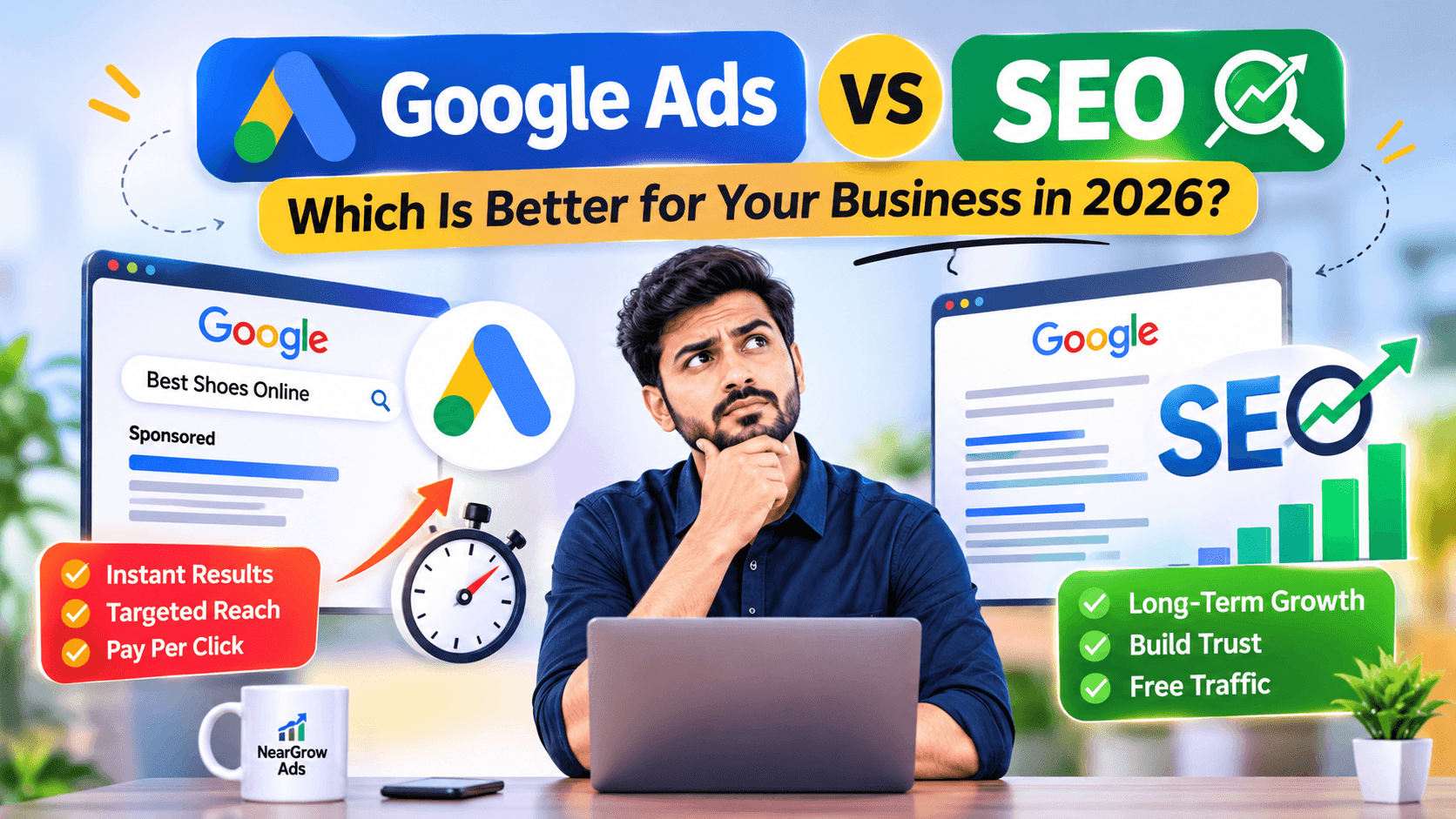
SEO ke comparison mein Google Ads se paid visibility jaldi mil sakti hai, jabki SEO organic visibility build karne ki long-term strategy hai.
Beginners Google Ads Kaise Start Karein?
Agar tum pehli baar Google Ads use kar rahe ho, toh shuru mein bahut bada budget invest karne ki zaroorat nahi hai.
Ek simple strategy follow karo:
1. Apna business goal decide karo.
2. Relevant keywords research karo.
3. Ek focused campaign create karo.
4. Attractive aur relevant ad copy likho.
5. Apna budget set karo.
6. Campaign performance regularly check karo.
Small budget se testing karna useful ho sakta hai, lekin ₹300–₹400 mein results milna guaranteed nahi hai. Actual cost industry, competition, location aur keywords par depend karti hai.
Final Thoughts
Google Ads sirf advertisement dikhane ka platform nahi hai, balki businesses ko un customers tak pahunchne ka opportunity deta hai jo already unke products ya services mein interest dikha rahe hain.
Chahe tumhari small business ho, online store ho ya service-based company, sahi strategy aur budget ke saath Google Ads tumhari digital marketing journey ka important part ban sakta hai.
Yaad rakho: Sirf ad chalana important nahi hai, right audience tak right message pahunchana important hai!