Introduction
Aaj ke digital world mein, customers aksar kisi product ya service ko find karne ke liye Google par search karte hain. Agar aapka business un searches mein visible hota hai, toh potential customers aapki website ya business tak pahunch sakte hain.
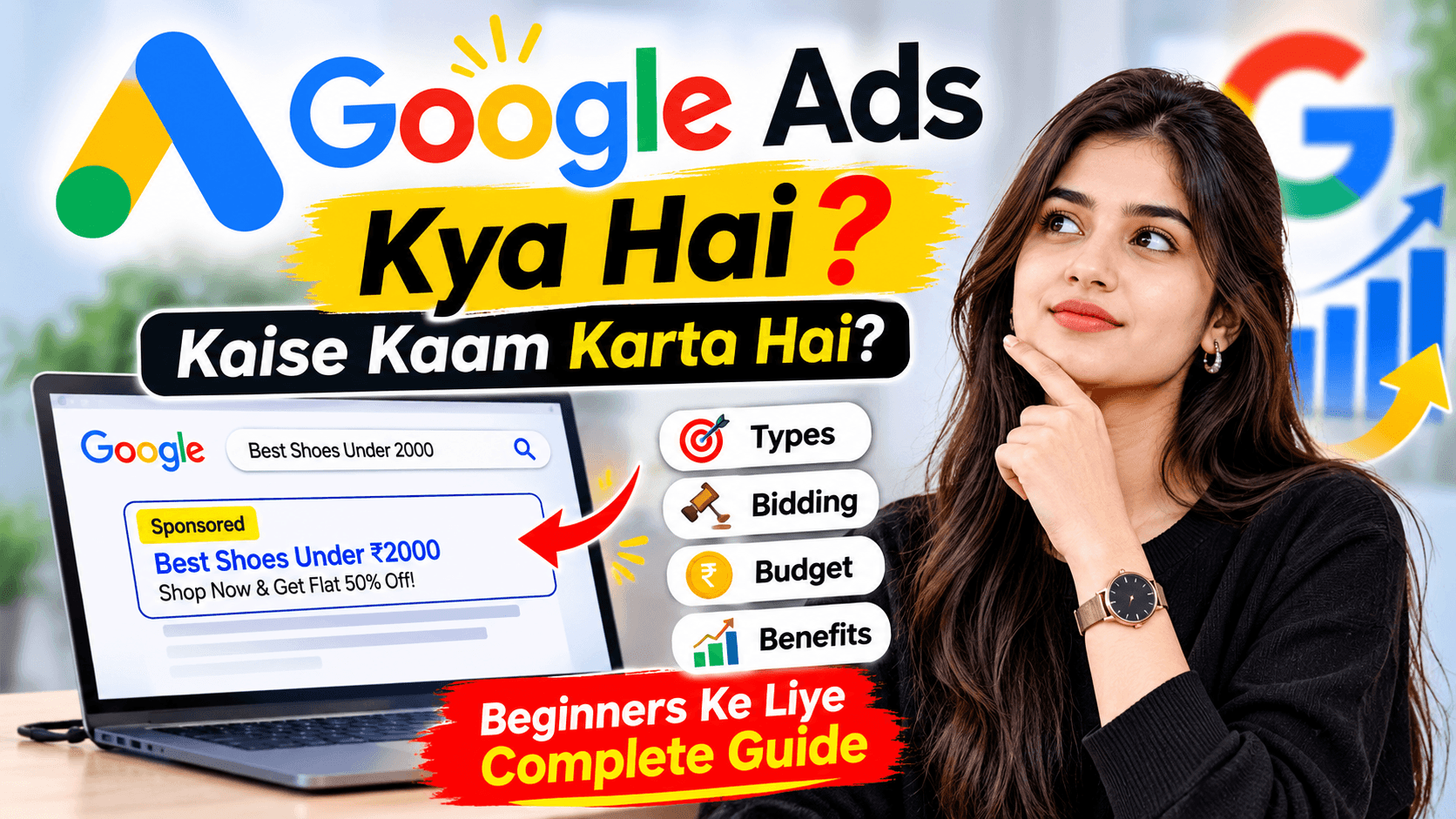
Google Ads ek online advertising platform hai jo businesses ko relevant searches ke saamne apne ads dikhane mein help karta hai. Lekin sirf ad chalana enough nahi hai. Effective Google Ads likhna bhi important hai, taaki customers ko aapki service samajh aaye aur woh next step lene ke liye interested hon.
1. Understand Your Target Audience
Ad likhne se pehle samjhein ki aapke potential customers kaun hain aur unhe kis type ki service chahiye.
For example, agar aap ek electrical shop chalate hain, toh customers LED lights, switches aur electrical supplies search kar sakte hain.
Aapka ad unki needs ko clearly address karna chahiye. Jab ad customer ki requirement se relevant hota hai, toh unhe useful information milti hai.
2. Choose the Right Keywords
Keywords woh words ya phrases hain jo log Google par search karte hain. Apne business aur services se related relevant keywords choose karein.
For example:
- Electrician near me
- Best digital marketing services
- Website development services
- Google Ads services for small businesses
Keywords ko ad copy mein naturally include karein. Irrelevant keywords add karne se bachein, kyunki goal relevant customers tak pahunchna hai.
3. Write Clear and Attractive Headlines
Headline ad ka important part hoti hai. Isse customers ko quickly samajh aana chahiye ki aap kya offer kar rahe hain.
For example, ek digital marketing agency ke liye:
- Digital Marketing Services
- Grow Your Business Online
- Get a Website for Your Business
- Google Ads Management Services
Headlines ko clear, specific aur business-related rakhein. Different headlines test karna bhi useful ho sakta hai.
4. Highlight Your Business Benefits
Customers ko sirf service ka naam nahi, balki yeh bhi samajhna hota hai ki aap unki help kaise kar sakte hain.
For example, “We Create Websites” ke bajaye aap likh sakte hain:
“Get a Professional Website for Your Business.”
Agar aap genuine benefits offer karte hain, jaise easy booking, local service ya transparent pricing, toh unhe ad mein mention karein. Aise claims na karein jo aap prove nahi kar sakte.
5. Add a Strong Call to Action (CTA)
CTA customers ko batata hai ki ad dekhne ke baad unhe kya karna chahiye.
Examples:
- Call Today
- Get a Free Quote
- Explore Our Services
- Book an Appointment
- Visit Our Website
Apne campaign goal ke according CTA choose karein. Agar goal enquiries generate karna hai, toh “Get a Quote” ya “Contact Us” useful options ho sakte hain.
6. Create Relevant Ad Descriptions
Description mein apni service ke baare mein extra information dein. Customer ko clear hona chahiye ki click karne ke baad unhe kya milega.
For example:
“Need help growing your business online? Explore our digital marketing services and find the right solution for your business.”
Description ko simple aur informative rakhein. Unnecessary words aur repeated phrases avoid karein.
7. Match Your Ad with Your Landing Page
Jab customer ad par click karta hai, toh use relevant website page par pahunchna chahiye.
For example, agar ad website development services ke baare mein hai, toh customer ko website development wale page par direct karein, na ki kisi unrelated page par.
Landing page par service details, contact information aur clear next steps hone chahiye.
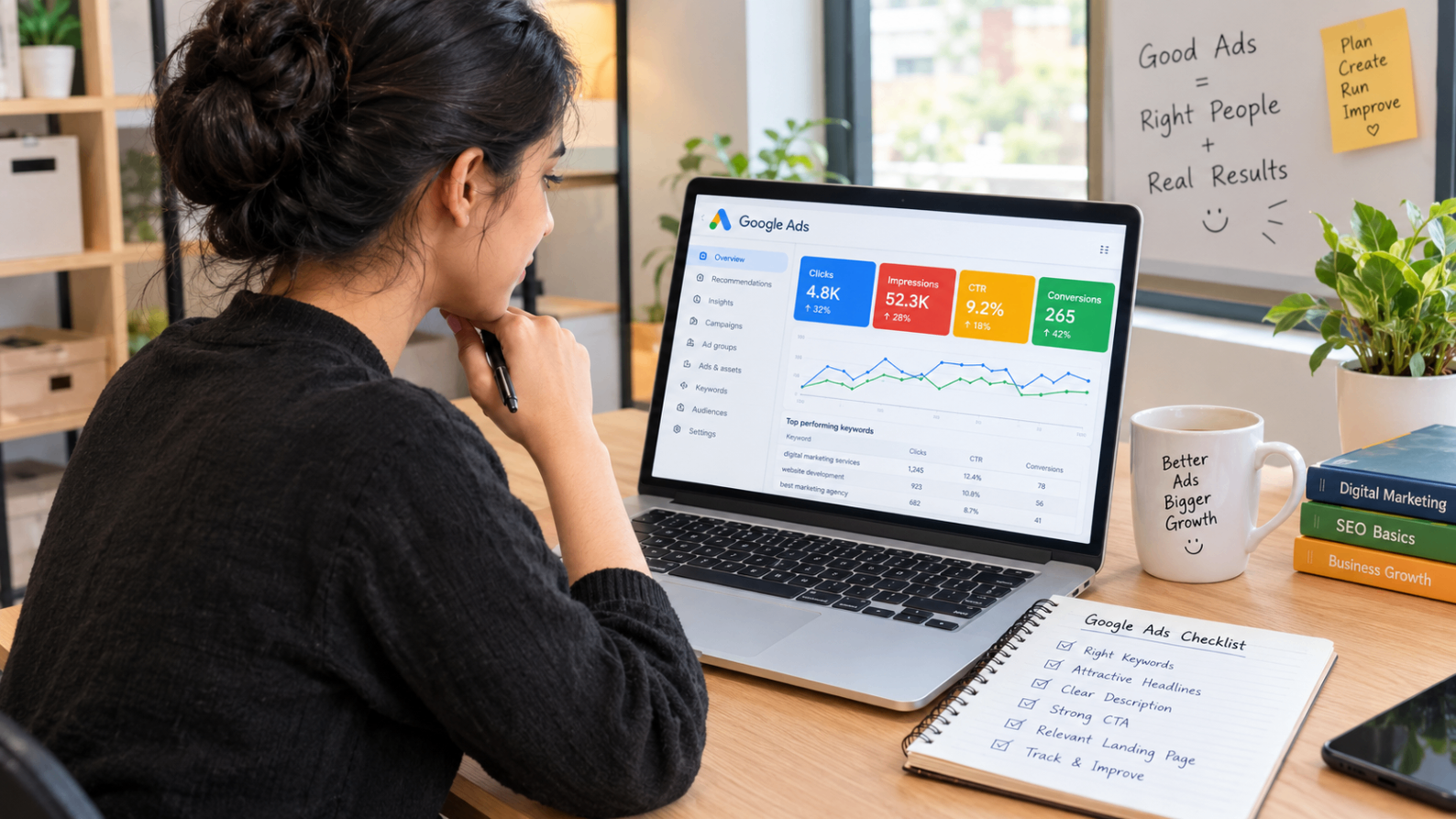
8. Track and Improve Your Ad Performance
Google Ads campaign launch karne ke baad uski performance regularly check karein.
Important metrics include:
- Clicks: Kitne logon ne ad par click kiya.
- CTR: Impressions ke comparison mein clicks ka percentage.
- Conversions: Kitne logon ne desired action complete kiya.
- Cost per Conversion: Har recorded conversion par kitna kharch hua.
In results ko dekhkar headlines, keywords, targeting aur landing pages mein improvements karein. Sirf clicks badhana enough nahi hai; business ke actual goals par focus karein.
Common Google Ads Mistakes to Avoid
Google Ads run karte waqt kuch common mistakes avoid karni chahiye:
- Irrelevant keywords use karna.
- Generic headlines likhna.
- Clear CTA include na karna.
- Ad aur landing page mein mismatch rakhna.
- Campaign performance track na karna.
- Results ki guarantee expect karna.
Har business aur campaign alag hota hai, isliye regular testing aur improvement important hai.
Conclusion
Effective Google Ads likhne ke liye apni audience ko samajhna, relevant keywords choose karna, clear headlines likhna aur strong CTA add karna zaroori hai. Saath hi, landing page ko relevant rakhein aur campaign results regularly analyse karein.
A well-written ad aapke business ko relevant customers tak pahunchne mein help kar sakta hai. Right strategy aur consistent optimisation ke saath aap apne advertising goals ko better tarike se work towards kar sakte hain.
Want to improve your online presence? NearGrow Ads ke saath apne business ke liye digital marketing, website development aur online advertising solutions explore karein.