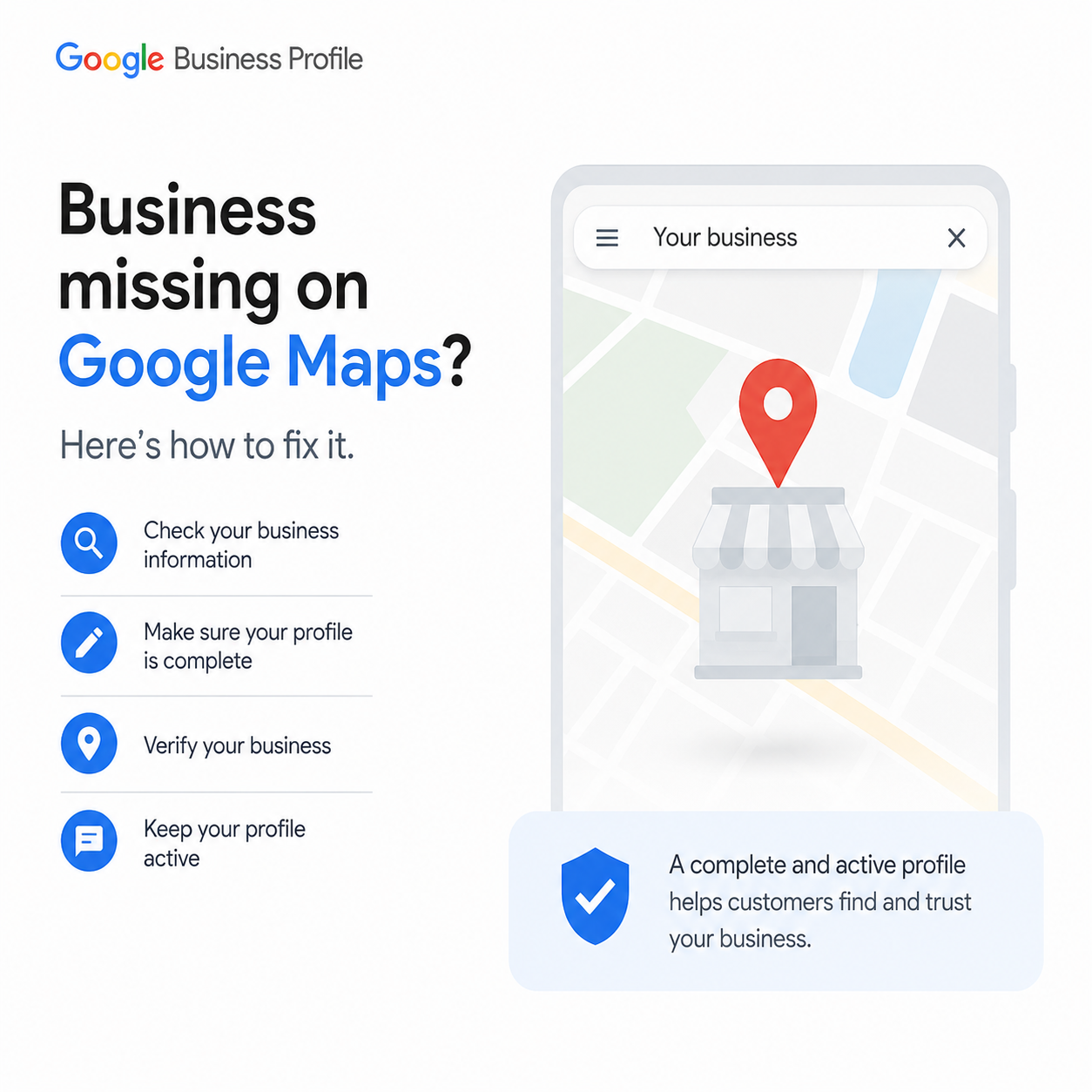
Is Your Business Missing from Google Maps?
You open Google Maps, search for your business, and suddenly it's gone.
No phone calls.
No direction requests.
No website visits.
For many local businesses, disappearing from Google Maps can mean losing customers every single day.
The good news is that in most cases, this problem can be fixed. The important part is understanding why your business disappeared.
In this guide, we'll explain the most common reasons your business is no longer showing on Google Maps and the practical steps you can take to restore your visibility.
Why Does a Business Disappear from Google Maps?
Your business may disappear because of:
- Google Business Profile suspension
- Recent profile edits
- Duplicate listings
- Verification issues
- Spam detection
- Wrong business information
- Category changes
- Low local relevance
- Address problems
- Technical indexing delays
Let's look at each one.
1. Your Google Business Profile Was Suspended
This is one of the most common reasons.
Google may suspend your profile if it believes your listing violates its guidelines.
Common reasons include:
- Virtual office addresses
- Keyword stuffing in the business name
- Fake reviews
- Multiple listings for the same business
- Inaccurate information
Fix
Check your Google Business Profile dashboard.
If your profile shows Suspended, submit a reinstatement request and make sure all information follows Google's guidelines before appealing.
2. You Recently Changed Your Business Information
Did you recently edit your:
- Business name
- Address
- Phone number
- Category
- Website
Major changes sometimes trigger a review by Google.
During this review, your business may temporarily disappear.
Fix
Wait a few days while Google reviews the changes.
Avoid making multiple edits during this period.
3. Your Business Isn't Verified

Unverified businesses often have limited visibility.
Without verification, Google cannot fully trust your listing.
Fix
Complete verification using:
- Video verification
- Phone verification (when available)
- Email verification
- Postcard verification
4. Your Address Doesn't Meet Google's Guidelines
Google only allows businesses with legitimate customer-facing locations.
Problems include:
- PO Boxes
- Virtual offices
- Shared workspaces without permanent signage
- Incorrect map pin placement
Fix
Use your real business location.
If you serve customers at their location, consider setting up a Service Area Business instead.
5. Your Business Category Is Incorrect
Categories tell Google what your business actually does.
For example:
A dental clinic should use:
✅ Dentist
Instead of:
❌ Medical Center
The wrong category can reduce visibility.
Fix
Choose the most accurate primary category and add relevant secondary categories only if they genuinely apply.
6. You Have Duplicate Google Business Profiles
Having two listings for the same business often confuses Google.
Sometimes Google hides both profiles until the issue is resolved.
Fix
Search your business name and address.
If duplicates exist, request that Google remove or merge them.
7. Your Business Has Very Little Activity
Google prefers active businesses.
Inactive profiles slowly lose visibility.
Examples of activity include:
- New photos
- Customer reviews
- Google Posts
- Updated business hours
- Responding to reviews
Fix
Keep your profile updated every week.
Regular activity shows Google your business is active.
8. Your Website Has SEO Problems
Your Google Business Profile and website work together.
If your website has:
- Broken pages
- Slow loading speed
- Missing location pages
- Weak local SEO
your rankings may decline.
Fix
Improve your website by:
- Optimizing page speed
- Using local keywords
- Adding location-specific pages
- Improving mobile experience
9. Your Competitors Have Better Local SEO
Sometimes your listing hasn't disappeared—it has simply been outranked.
Competitors with:
- Better reviews
- More citations
- Stronger websites
- Better optimization
may appear above you.
Fix
Focus on improving:
- Customer reviews
- Local backlinks
- Google Business Profile optimization
- Website SEO
10. Google Is Updating Its Local Search Results
Google frequently updates its search algorithms.
Temporary ranking changes are common after major updates.
Fix
Continue following best practices.
Avoid making unnecessary edits or trying shortcuts that violate Google's guidelines.
How to Check Whether Your Business Is Actually Missing
Use these searches:
- Your Business Name
- Your Business Name + City
- Business Category + Near Me
- Business Category + City
Also search from different devices and Google accounts.
Sometimes personalized search results can be misleading.
Tips to Stay Visible on Google Maps
Here are some habits that help maintain visibility:
- Keep business information accurate.
- Ask happy customers for genuine reviews.
- Upload fresh photos regularly.
- Publish Google Posts.
- Respond to every review.
- Keep your website updated.
- Use consistent business information across directories.
- Monitor your profile every week.
- Recover suspended Google Business Profiles
- Improve Google Maps rankings
- Optimize Local SEO
- Manage Google Ads
- Increase local leads and customer calls
Final Thoughts
If you're wondering, "Why did my business disappear from Google Maps?", don't panic.
Most cases are caused by profile issues, verification problems, or local SEO weaknesses—and many can be resolved with the right approach.
Focus on keeping your Google Business Profile accurate, active, and fully optimized while maintaining a strong local SEO strategy.
If you're unsure what's causing the issue, getting a professional audit can save you time and help you identify the exact problem faster.
Need Help Getting Your Business Back on Google Maps?
At NearGrow Ads, we help local businesses:
Book a Free 30-Point Local SEO Audit and discover why your business isn't showing on Google Maps—and what you can do to fix it.