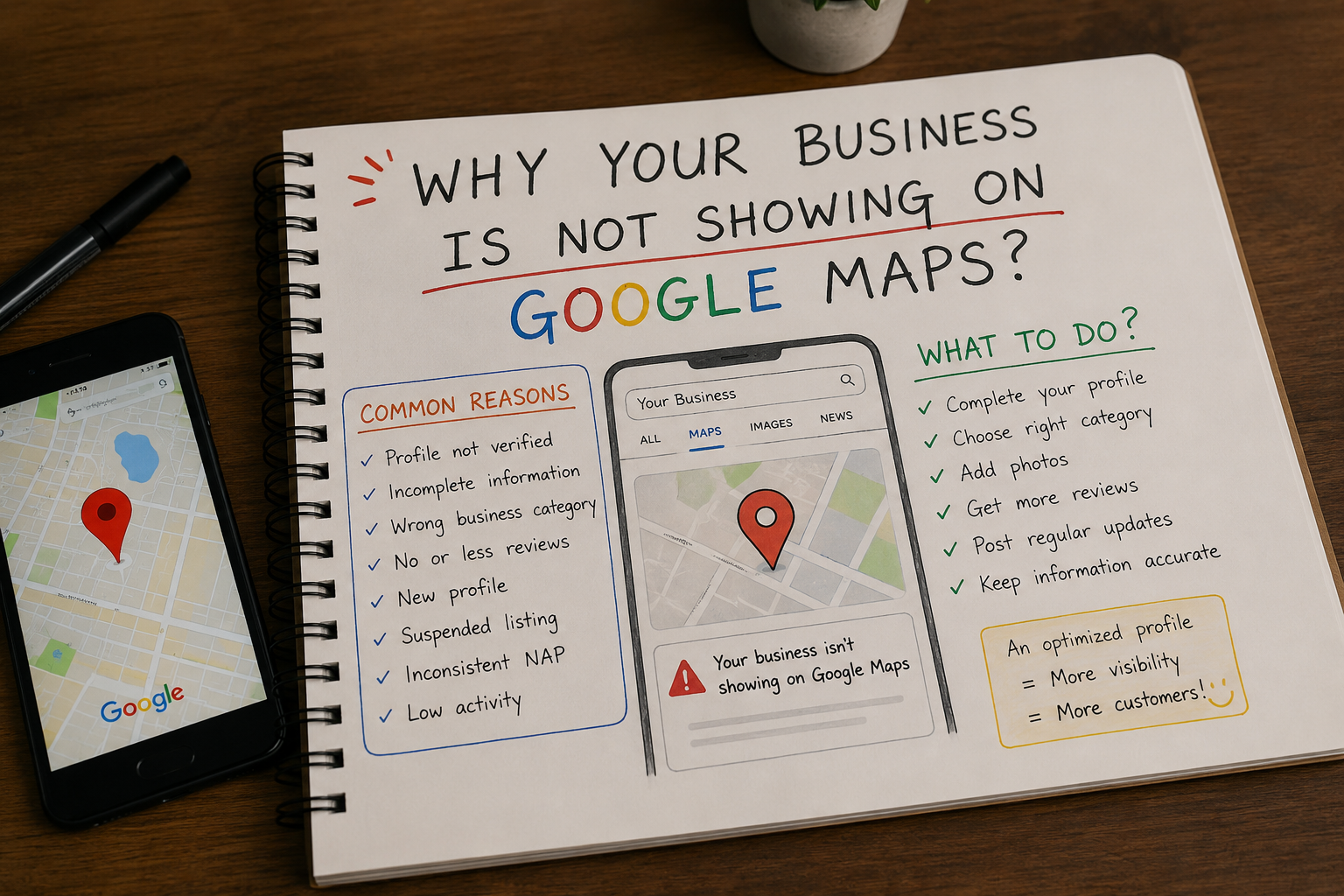
Many business owners create a Google Business Profile and expect customers to start finding them immediately. But after a few days or even weeks, they realize their business isn't appearing on Google Maps when people search for services they offer.
This can be frustrating, especially when competitors are showing up and getting the calls.
The good news is that there are usually clear reasons why a business isn't visible on Google Maps—and most of them can be fixed.
In this guide, we'll explain the common reasons your business may not be showing on Google Maps, how to fix them, and what you can do to improve your local visibility.
Why Google Maps Visibility Matters
Today, most customers search online before visiting a business.
When someone searches:
- "Restaurant near me"
- "Dentist in Dwarka"
- "Best hotel in Vrindavan"
- "RO service in Najafgarh"
Google often shows a map with local businesses.
If your business appears there, you can get:
- More phone calls
- More website visits
- More direction requests
- More walk-in customers
- More trust from local customers
If your business isn't showing, you're likely missing potential customers every day.
Common Reasons Your Business Is Not Showing on Google Maps
1. Your Google Business Profile Is Not Verified
Verification is one of the most important steps.
If Google cannot confirm that your business is real, it may not show your profile publicly.
How to Fix It
- Sign in to your Google Business Profile.
- Check your verification status.
- Complete the verification process if required.
- Wait for Google to process the verification.
Key Takeaway
An unverified profile often won't appear in Google Maps results.
2. Your Business Information Is Incomplete
Google wants to provide accurate information to users.
If your profile is missing important details, Google may not trust it enough to display prominently.
Complete These Details
✔ Business Name
✔ Address
✔ Phone Number
✔ Website
✔ Business Category
✔ Working Hours
✔ Services
✔ Description
✔ Photos
Example
A salon in Janakpuri with complete information will usually perform better than a salon with only a business name and phone number.
3. You Selected the Wrong Business Category
Your primary category tells Google what your business does.
Choosing the wrong category can make it difficult for Google to show your business for relevant searches.
Example
If you run an RO service company and select "Home Improvement Store" instead of "Water Purification Company," Google may struggle to understand your business.
Pro Tip
Choose the most relevant primary category and add secondary categories where appropriate.
4. Your Business Is Too New
New Google Business Profiles often need time before they appear consistently.
Google may take several days or weeks to fully process new listings.
What You Should Do
- Complete your profile
- Add photos
- Publish GBP posts
- Get reviews
- Keep information updated
Consistency helps Google trust your business faster.
5. Your Business Has Few or No Reviews
Reviews are one of the strongest local ranking signals.
Businesses with more genuine reviews often receive better visibility.
Start Collecting Reviews
Ask satisfied customers to leave feedback.
Focus on:
- Quality reviews
- Genuine customer experiences
- Consistent review growth
Example
If two restaurants offer similar food and service, the one with 150 positive reviews is more likely to appear higher than the one with only 5 reviews.
6. Your Service Area Is Not Set Correctly
This issue is common among service-based businesses.
Examples include:
If your service area settings are incorrect, Google may not know where to show your business.
How to Fix It
Review your service area settings and make sure they match the locations you actually serve.
7. Your Profile Has Been Suspended
Google may suspend a profile if it detects policy violations.
Common reasons include:
- Keyword stuffing in the business name
- Fake addresses
- Multiple duplicate listings
- Inaccurate information
Signs of Suspension
- Business disappears from Maps
- Profile management restrictions
- Verification issues
If your profile is suspended, you'll need to identify the issue and submit a reinstatement request.
8. Your Business Website Has Poor Local SEO
Your website and Google Business Profile work together.
If your website provides weak location signals, your Maps visibility may suffer.
Local SEO Basics
Make sure your website includes:
- Business location
- Contact information
- Service pages
- Local keywords
- Google Maps embed
- Mobile-friendly design
Example
A dentist in Dwarka should clearly mention Dwarka throughout relevant website pages.
9. Your Competitors Are More Active
Google rewards active businesses.
If competitors regularly update their profiles while yours remains inactive, they may outrank you.
Stay Active by:
- Posting updates
- Adding photos
- Responding to reviews
- Updating services
- Answering customer questions
Regular activity sends positive signals to Google.
10. You're Searching From the Wrong Location
Google Maps results vary based on location.
Your business might appear for customers nearby but not for someone searching from another area.
Example
A restaurant in Janakpuri may rank well for customers in West Delhi but not for someone searching from Gurgaon.
Always test rankings from different locations before assuming your profile isn't visible.
Google Business Profile Visibility Checklist
Before worrying about rankings, check these basics:
✔ Verified profile
✔ Correct business category
✔ Accurate contact information
✔ Business description
✔ Service information
✔ Working hours
✔ Photos uploaded
✔ Customer reviews
✔ Active posting schedule
✔ Mobile-friendly website
✔ Consistent business information everywhere online
Real Business Example
The Problem
A local RO service company wasn't receiving calls from Google Maps despite having a profile.
The Strategy
We reviewed the profile and discovered:
- Incomplete services
- Very few photos
- No customer reviews
- Missing business description
The Results
After optimizing the profile, adding photos, collecting reviews, and publishing regular posts, the business started receiving more profile views, calls, and direction requests.
Key Takeaway
Many visibility issues are caused by incomplete or poorly optimized profiles rather than a lack of demand.
Related Articles
You may also find these guides helpful:
- Google Business Profile Optimization Guide
- Why Your Google Ads Are Not Getting Leads (And How to Fix It)
- Digital Marketing Trends for Small Businesses in 2026: What Actually Matters
How to Open & Rank a Google Business Profile Cafe in Delhi NCR